
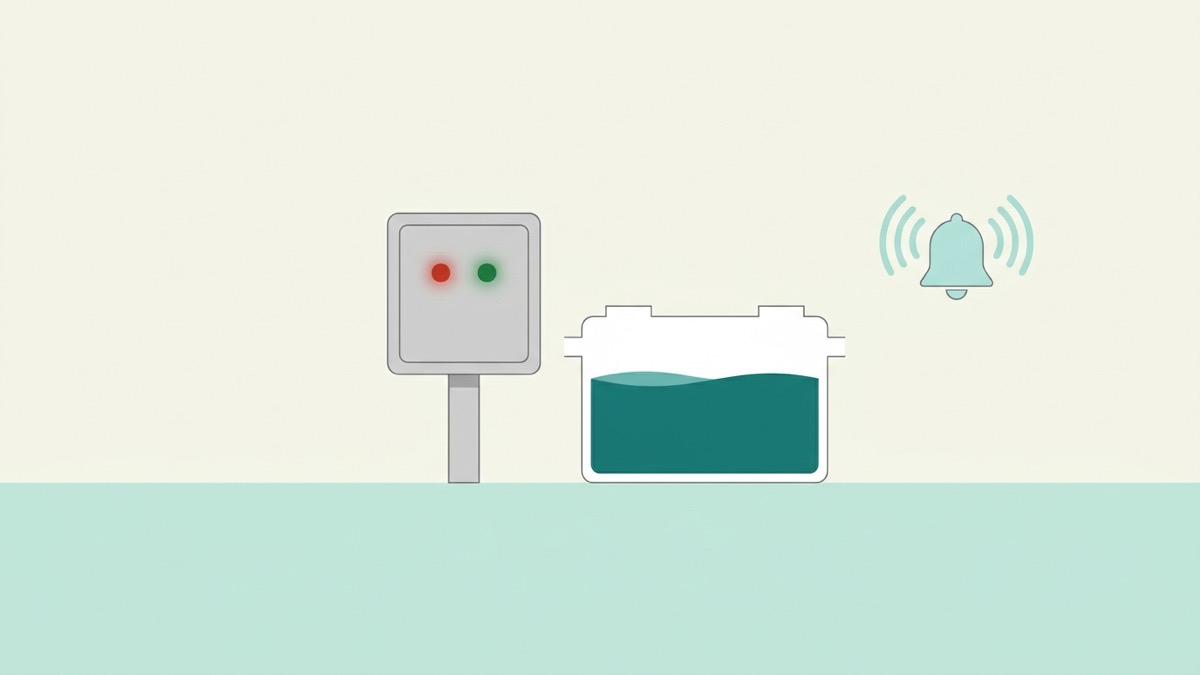
A red light on an aerobic septic control panel means the system has detected a fault. It does not say which fault. The same light can mean a power problem, a high water level, a pump or air supply that has stopped, or a float switch that is stuck. Treat the light as a call to check, not as a guess about the cause.
This is general information. Your system manual, your permit and a qualified provider decide what applies to your system.
First, read the panel and the manual
Panels differ by manufacturer. Some use one red light for every alarm and others use several lights or a code. Find your manual, or the label on the panel, and confirm what the red light means on your model. If the manual is missing, your permitting authority or your installer can provide a copy.
Check these in order
- Is the panel powered? Check the breaker that feeds it. Reset it once. If it trips again, stop and call a provider.
- Is the buzzer sounding? If your manual allows, silence it. The light will usually stay on until the fault clears.
- Can you hear the air pump? A silent pump, or one that never stops, both point to the air supply.
- Has it rained heavily? Extra water can push the level up and trigger a high-water alarm.
- Has the power been cut or flickered? Some systems alarm after an outage and need a reset by a provider.
Do not keep resetting it
Pressing a reset button or switching the power off and on can clear the light for a while without fixing the cause. If the light returns, the fault is still there, and each reset can hide the information your provider needs. Note how often it has happened and call.
When to call a provider the same day
- The red light stays on after you have checked the power and the basics above.
- The light is on and the buzzer is sounding, or the air pump is silent.
- You see wet ground, a strong smell or water backing up in the house.
- The light returns straight after a reset.
What to tell your provider
Tell them which light is on and the colour and pattern, whether the buzzer sounds, whether you can hear the pump, what the weather and power have been like, and what you already checked. This saves a second visit.
What not to do
- Do not open tank lids or the control panel.
- Do not pour chemicals or drain cleaners into the system.
- Do not change timers, float switches or air settings.
Some of this work is restricted to licensed personnel, and a maintenance contract may cover it. Check your agreement before you act.
About this guide
Educational information only. It does not diagnose your system. Your manual, your permit, your permitting authority and a qualified provider determine the correct response for your property.
Last reviewed: 1 November 2026.